

User commands
Available to server members with appropriate channel permissions.
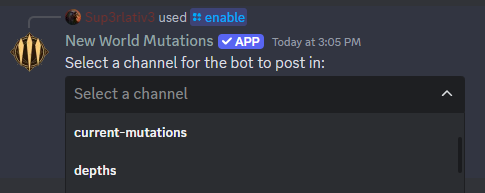
/enable
The /enable command sets up the bot in a specific Discord channel to receive updates as the mutations change. Allows selection of channel.
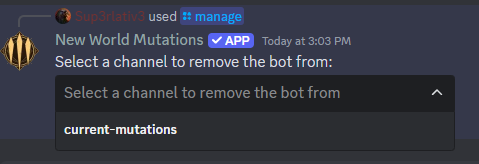
/manage
Manage bot-enabled channels in your server. Remove bot access from specific channels.
/setstyle
Change how mutation information is displayed in a specific channel:
Modern: Discord embeds with rich formatting, icons
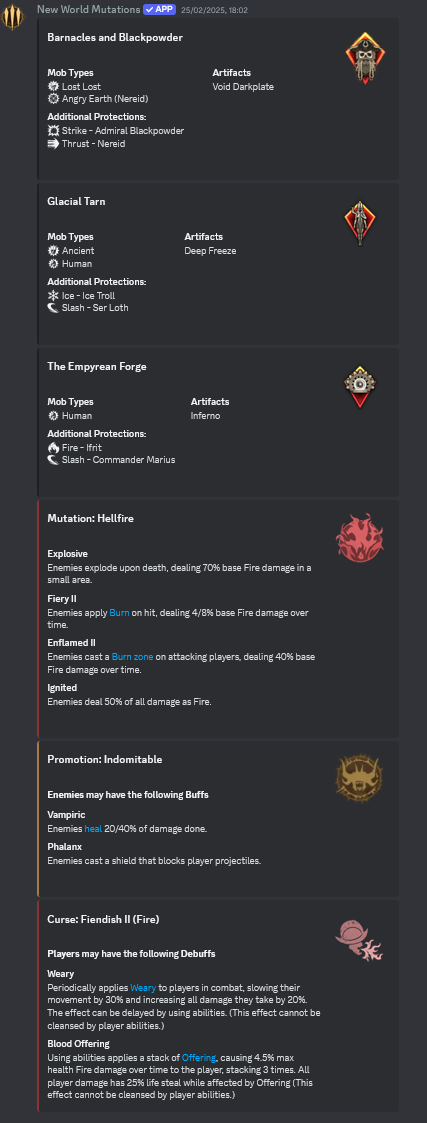
Text: Compact text format with emoji indicators

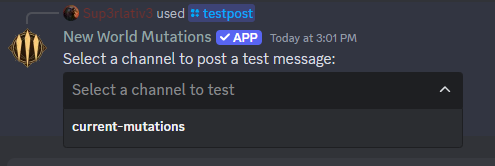
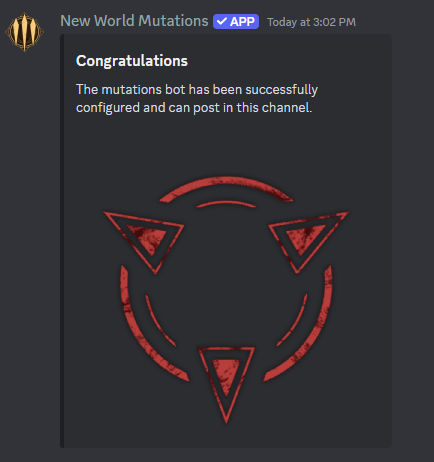
/testpost
Tests bot functionality in enabled channels. Sends a test message to verify permissions and display settings.
/add_latest
Displays the most recent mutation configurations in the current channel using the configured channel style.
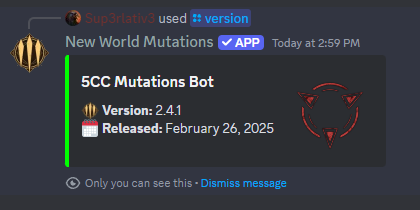
/version
Shows current bot version and release date.
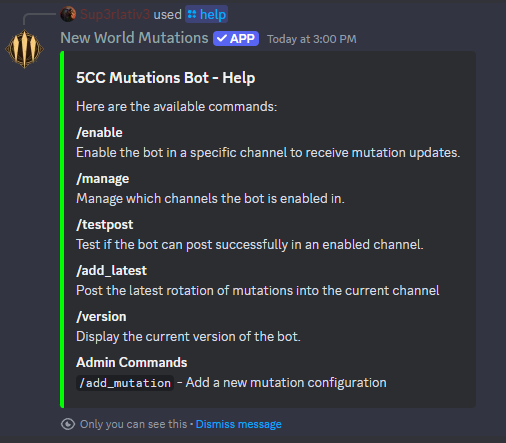
/help
Displays available commands and brief descriptions.
Admin commands
Restricted to authorised administrators